
Getting started with thepokies121 is dead easy. Whether you're signing up from your laptop, tablet, or mobile, the steps are the same — quick, clear, and built to get you into the games without mucking around. This handy guide walks you through everything from creating your account to keeping it ticking over nicely down the track.
Step-by-Step Account Creation
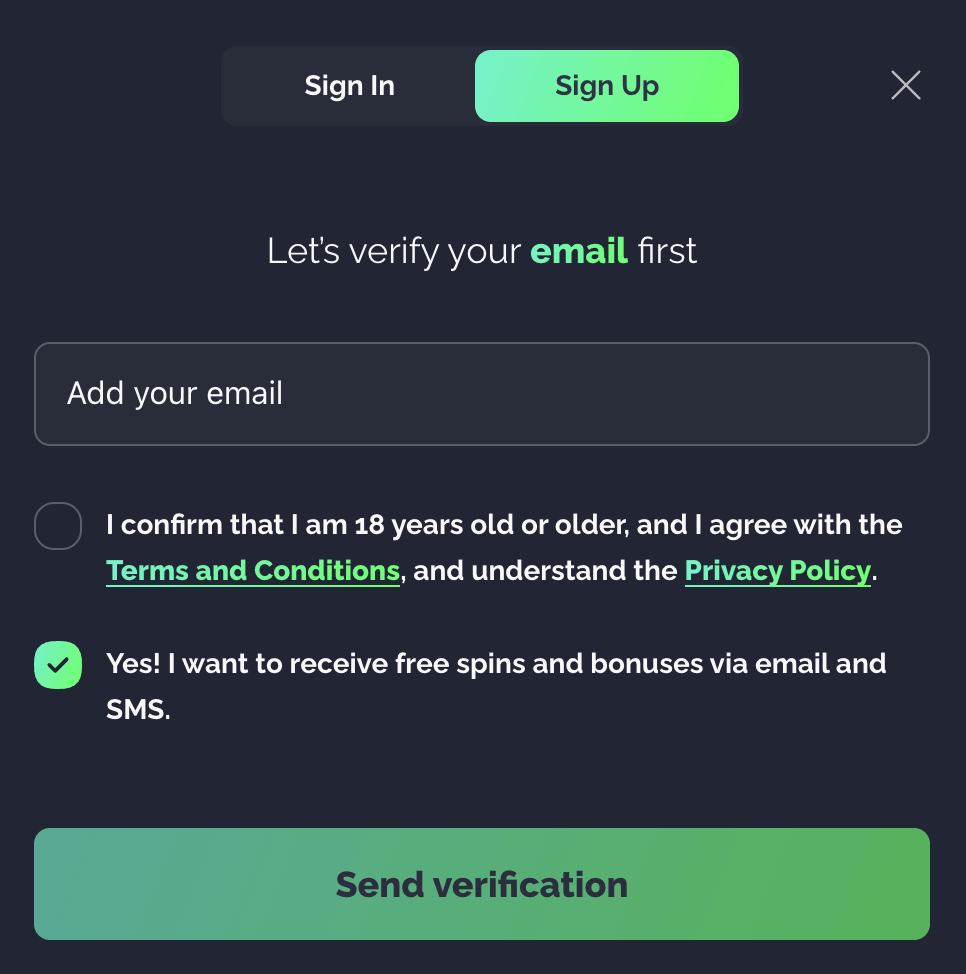
- Kick things off — Head to thepokies121 homepage and hit the "Sign Up" button up in the top-right corner.
- Pop in your details — You'll need to enter your full name, date of birth, and a valid email address so the team can verify you.
- Confirm your account — Grab the verification code from your email inbox and set a strong password to lock things in.
- Tick the final boxes — Confirm you're 18 or over and have a squiz at the available no-deposit offers while you're at it.
- Get into the action — Once you're registered, make your first deposit and start exploring the full game lineup.
Handy Tips for Keeping Your Account in Good Shape
- Verification upfront isn't compulsory — You can start playing straight away. Full document checks come into play later when you go to cash out.
- One profile per player — Stick to a single account. Duplicates get flagged automatically and can land you in hot water.
- Keep your info current — If your contact details change, update them in your profile. It saves headaches with deposits, withdrawals, and promo claims later on.
Hassle-Free Login for Returning Players
Coming back to the site is just as straightforward as the original sign-up. Here's the quick rundown:
- Open the site — Fire up your browser of choice and head to thepokies121.
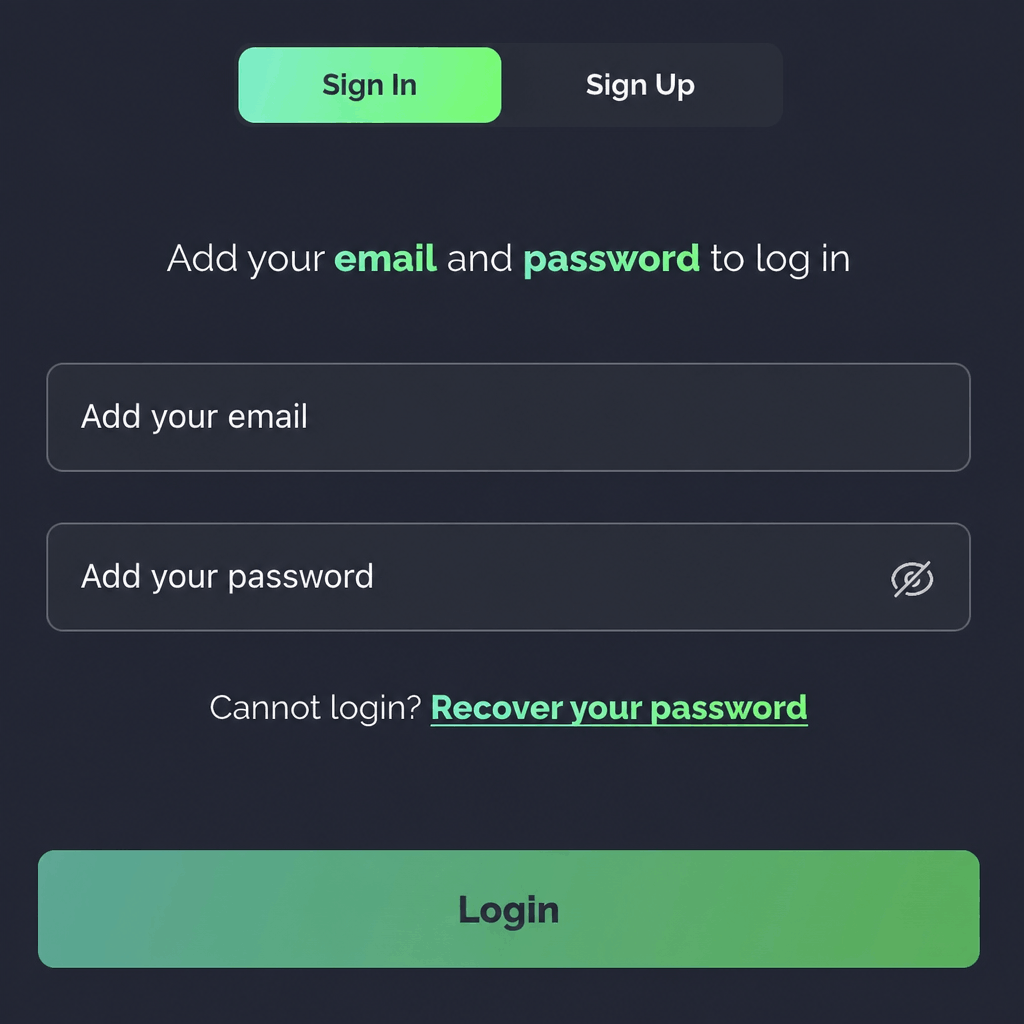
- Sign in — Enter your username (or registered email) and password through the login section on the homepage.
- Jump back into the games — Once you're in, the full game library, cashier, promos, and account tools are all just a click away.
Recovering Your Account
Forgotten passwords happen to the best of us — no dramas. Here's how to sort it:
- Head to the login page — Click the login button from the homepage.
- Ask for password help — Tap the "Forgot Password?" link sitting just below the login fields.
- Verify your email — Pop in the email address tied to your account.
- Check your inbox — Look out for the reset message (check the spam folder if it doesn't show up).
- Set a new password — Choose something secure, then log back in with your fresh credentials.
Closing Your Account for Good
If you reckon it's time to step away permanently, the deactivation process is straightforward and stays in your hands:
- Open your account settings and select "Deactivate Profile" — keep in mind this is usually a permanent move.
- Confirm your decision when the confirmation box pops up.
- Reach out to support if you want to chat through other options first, like a temporary break instead of full closure.
Solid Verification That Keeps Your Account Safe
Online casino security is a big deal, and the pokies 121 doesn't muck about with it. The verification system is built to protect every player, block dodgy activity, and keep the gaming environment fair across the board.
Why Verification Actually Matters
The verification process tightens account security, stops fraud in its tracks, prevents money laundering, and confirms that every player is of legal age. It's not just paperwork for the sake of it — it's a sign the casino takes its responsibilities seriously and wants to keep things above board for everyone playing.
What You'll Need to Provide
| Document Type | What It's For |
|---|---|
| Email Verification | Click the link sent at sign-up to confirm your account is real |
| Photo ID | A passport, driver's licence, or national ID showing your name, photo, and date of birth |
| Proof of Address | A recent utility bill or bank statement (no older than three months) showing where you live |
| Payment Verification | For cards, send a partially obscured photo; for e-wallets, share a screenshot confirming ownership |
How Long It Takes
Verification status updates usually land within 72 hours of you sending in your documents. Your personal information is locked down behind modern SSL encryption and strict privacy protocols, so you can submit everything without losing sleep over it.
What You Get Once You're Verified
Once everything's ticked off, you'll have full access to every feature on the site — including withdrawals, promotions, and VIP perks. In most cases, you'll only need to verify once. The exception is if your account or payment details change later on, in which case a quick top-up of paperwork might be required.
Taking a Break or Closing Up Shop
If you decide to close your account permanently, cash out any remaining balance first — reactivation isn't always on the cards once a closure goes through. For players who just want a short breather rather than a full goodbye, there's a temporary hold option:
- Sign in to your account
- Head to "Account Preferences"
- Select "Hold Account"
- Pick how long you want the break to last
- Confirm to lock the pause in place
This option fits hand-in-glove with responsible gaming and lets you ease back in whenever you're ready.
Smooth Sailing Every Time You Log In
The account and login systems at pokies 121 strike a nice balance between speed and security. From sign-up to verification to daily logins, the whole setup is built to keep things easy without cutting any corners on safety. That means you can stay focused on what really matters — actually enjoying the games.
Frequently Asked Questions
Quick answers to the questions Aussie players ask most often:
How do I register? Easy as. Click the "Sign Up" button in the top-right corner of the homepage and fill in your details on the form that pops up.
What if I forget my password? No worries — use the "Forgot Password?" link on the login page, or shoot the support team an email if you'd rather have a hand.
Can I change my registered email address? Direct email changes aren't available through the account dashboard at the moment. Drop the support team a line and they'll sort it out manually for you.
Can I have more than one account? Nope — it's one account per IP address for fairness and security reasons. If you've ended up with duplicate accounts somehow, get in touch with support and they'll merge them so all your activity sits in one place.
How long does verification take? Most submissions are reviewed within 72 hours. You'll get a notification the moment your account is approved.
Is my personal information safe? Yeah, no worries on that front. SSL encryption and strict privacy protocols keep your details locked down at every stage of the verification process and beyond.